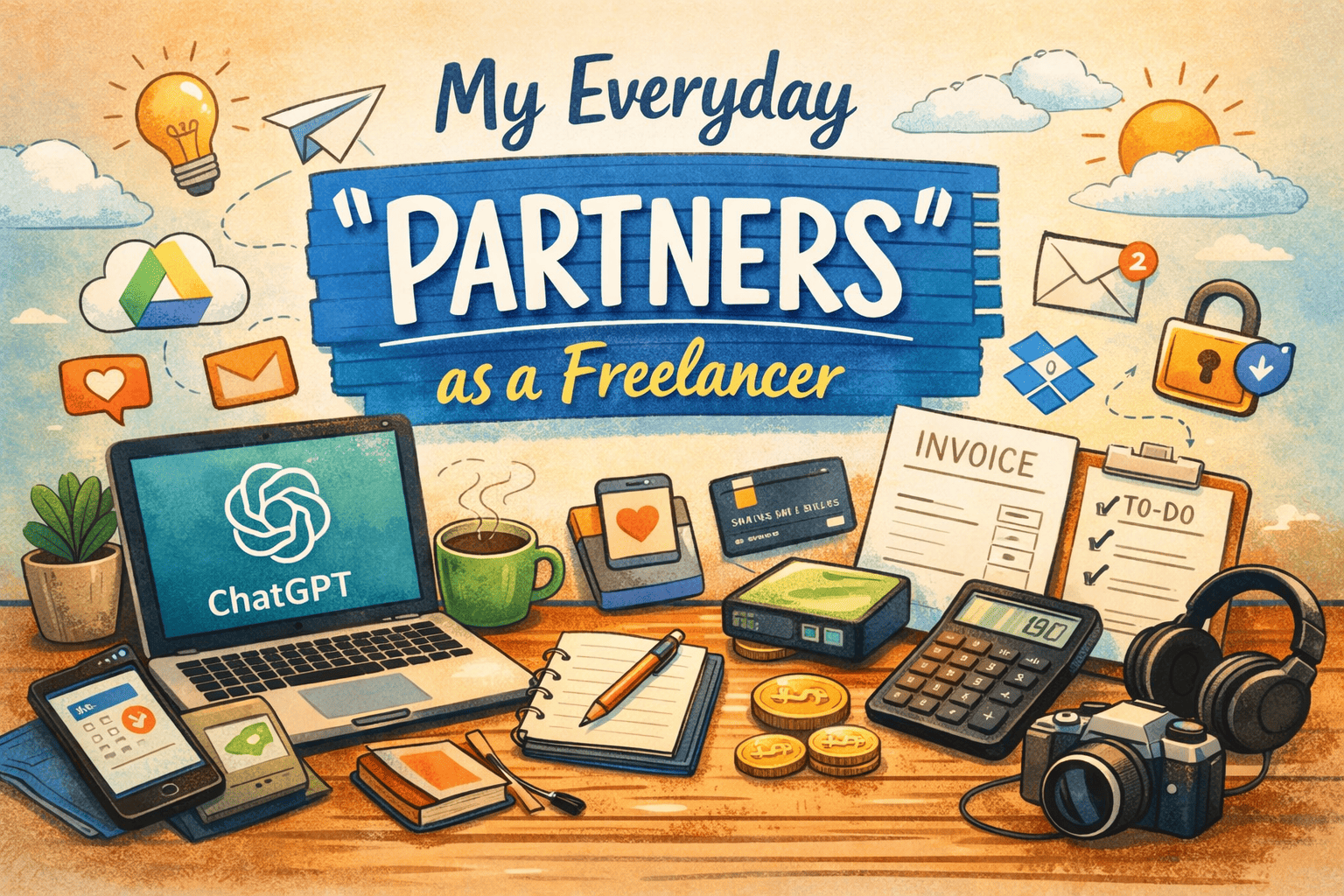
When people think about freelancing, they typically picture one person, a laptop, and unlimited freedom.
The reality? I don’t work alone at all. You have to invest on some of the necessary tools out there, but you can use some of them for free.
I work with tools — every single day.
They’re my silent partners. They help me think, stay organized, communicate with clients, and (thankfully) get paid.
Here’s a personal rundown of the working tools I rely on as a freelancer, and why they matter.
1. Writing, Thinking, and AI Help
Some days, the ideas flow. Other days… not so much. These tools save me on both.
- ChatGPT – My go-to for brainstorming, rough drafts, rewriting awkward sentences, and even replying to clients when my brain is fried
- Grammarly – Catches mistakes I swear weren’t there five seconds ago
- Hemingway Editor – A reality check when my writing gets too complicated
- Notion AI – Helps turn messy notes into something readable
I don’t let these tools do the work for me — they help me do it faster and better.
2. Staying Organized (or at Least Trying)
Freelancing gets messy fast if you don’t have a system.
- Google Workspace – Docs, Drive, Gmail… basically my digital office
- Notion – Where projects, ideas, client notes, and random thoughts live
- Trello / ClickUp – Keeps me from forgetting deadlines
- Slack – For clients who prefer quick messages over emails
Without these, I’d probably still be searching for files from last month.
3. Time, Focus, and Reality Checks
Time tracking used to scare me. Now I can’t live without it.
- Toggl Track – Shows me where my hours actually go (sometimes painfully honest)
- Clockify – A solid free option
- Pomofocus – Helps when motivation is low, and distractions are high
These tools helped me price my work better and stop undercharging.
4. Getting Paid and Handling Money
Great work means nothing if getting paid is a headache.
- PayPal – Still the easiest option for many clients
- Wise – My favorite for international payments (lower fees = happiness)
- Stripe – Perfect for recurring payments
- Wave / FreshBooks – Invoices that don’t look homemade
Money tools aren’t exciting, but they are necessary.
5. Creative and Design Tools
Even non-designers need visuals.
- Canva – Fast, simple, and lifesaving
- Adobe Creative Cloud – For serious design and video work
- Figma – Great for UI, feedback, and collaboration
- AI image tools – Useful when you need visuals now
You don’t need to be a designer — you just need the right tools.
6. Sharing Files Without Stress
- Google Drive – My main storage
- Dropbox – Backup and syncing
- WeTransfer – When files are too big and emails give up
Simple, but essential.
7. Clients, Calls, and Communication
Looking professional matters more than we think.
- Calendly – No more “What time works for you?” emails
- Zoom / Google Meet – Client calls
- Loom – Explaining things once instead of typing it five times
- DocuSign – Contracts without printing anything
These tools save time and reduce friction — for both sides.
8. Security (The Boring but Important Stuff)
- Password managers – Because remembering 50 passwords is impossible
- VPN – Especially when working remotely or traveling
- Backups – Always. No exceptions.
You only appreciate security tools after something goes wrong.
Final Thoughts
Freelancing isn’t about doing everything alone.
It’s about building a personal toolkit that supports the way you work.
Start small. Add tools when you actually need them.
The right tools don’t just make work easier — they make freelancing sustainable.
Your tools become your partners. 😊
Leave a Reply